Sloth Silver Dark
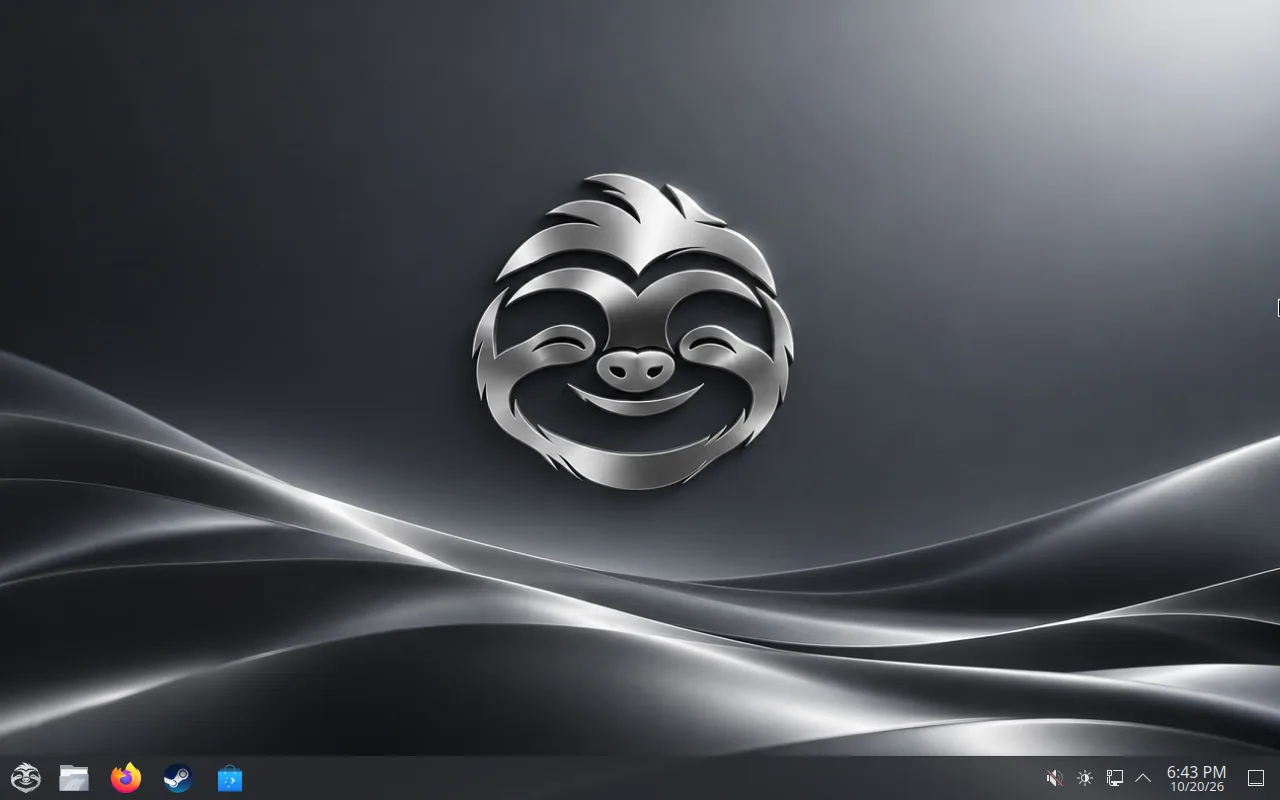
Graphite surfaces, soft silver highlights, and restrained blue links give the default desktop its calm, familiar feel.
See what to expect Sloth OS
Website & guides ↗
Sloth OS
Website & guides ↗
Fedora Atomic · KDE Plasma
A Linux desktop for everyday use and gaming, designed to feel at home from the first boot. Sloth OS pairs KDE Plasma with its own silver sloth identity and a Windows-style layout.
Sloth OS 1.0.2 is coming soon. Please wait for the updated ISO before downloading.
KDE PlasmaWindows-style layout, in 50 languages
Atomic updatesSigned images, a previous version kept for rollback
Windows programsDouble-click an .exe, no Steam needed
THE PRINCIPLE
I’m building Sloth OS on my own. Everyday tasks should be available from the desktop, without asking people to learn command-line tools. If the terminal is required, I still have work to do.
The Sloth OS look
The default desktop uses the Sloth Silver Dark colour scheme: graphite surfaces, soft silver text and highlights, and restrained blue links. The source also includes light, white, black, night, mist and sage variations.
Graphite surfaces, soft silver highlights, and restrained blue links give the default desktop its calm, familiar feel.
See what to expectA Windows-style taskbar and start menu, built as a KDE Plasma look-and-feel package.
What to expectSloth OS is built on Fedora Atomic. Updates are applied as a system image, with a previous deployment available for rollback.
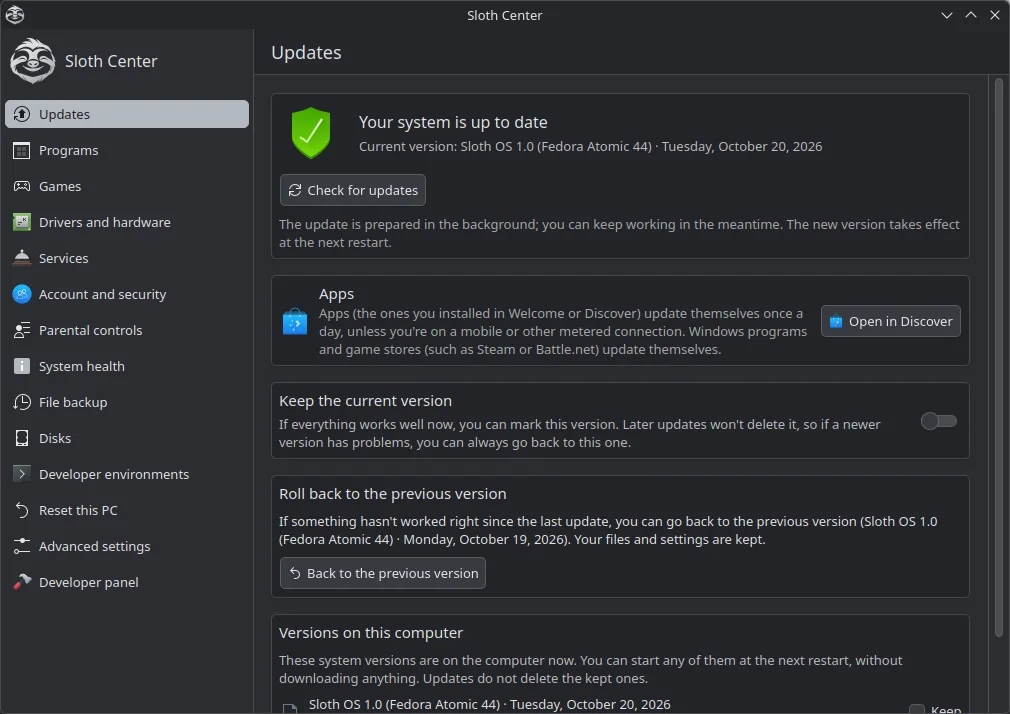
How updates workSloth Center
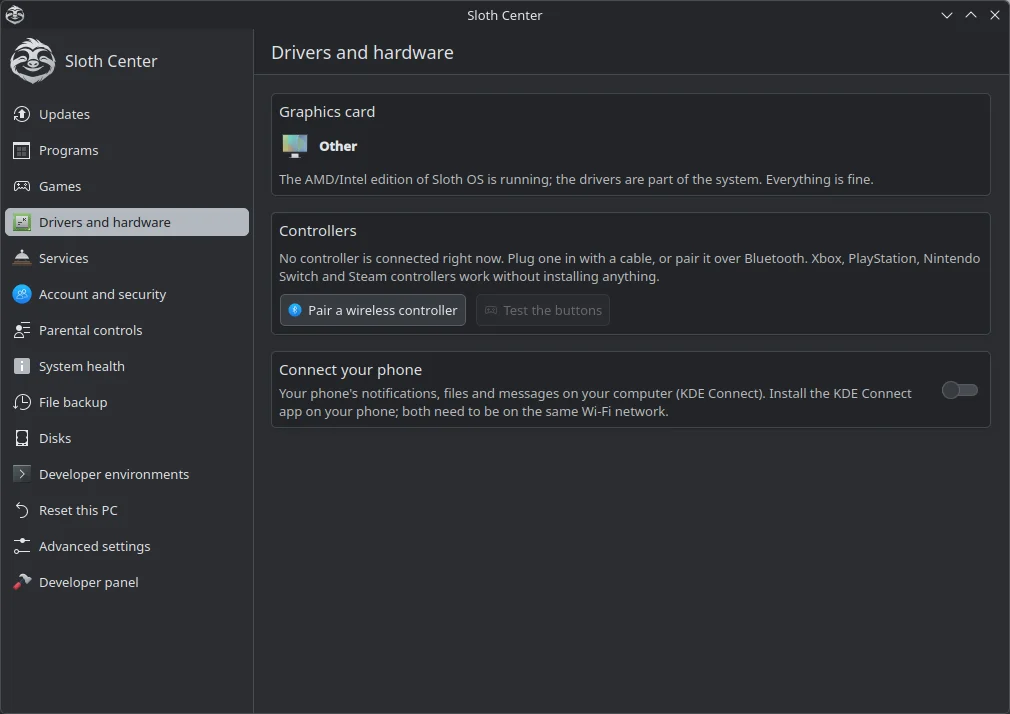
Sloth Center sits on the taskbar next to the file manager and the app store. Anything you would otherwise do in a terminal has a button here: updates, drivers, backups, accounts, disks and Windows programs.
The system updates in the background and only accepts images signed by Sloth OS. A notification tells you when an update is ready, with a “Restart now” button.
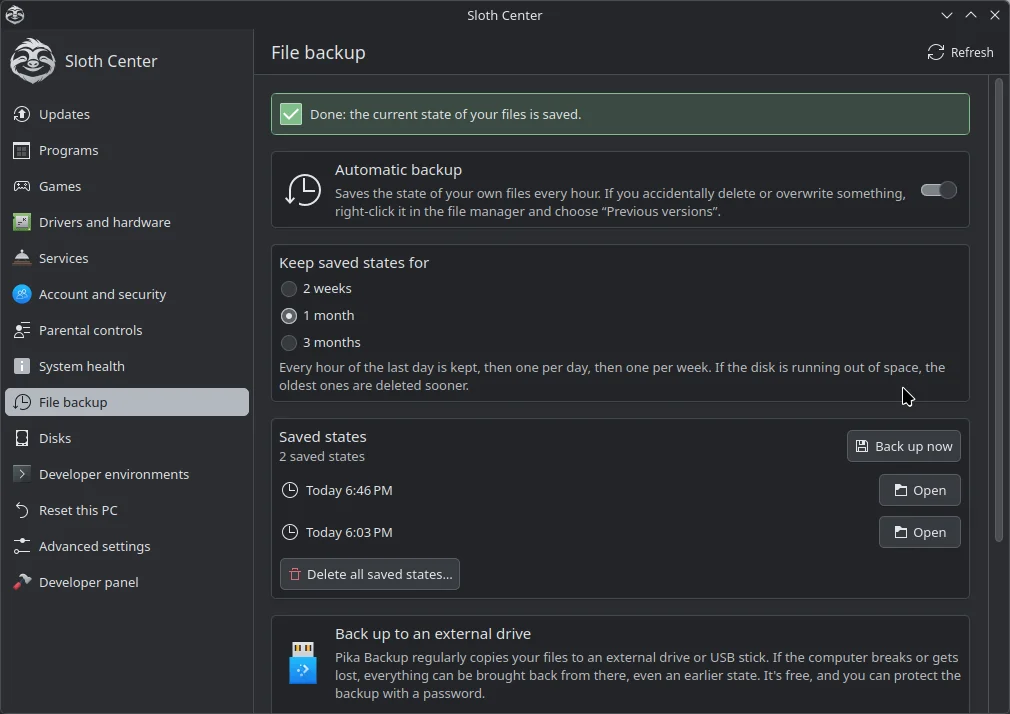
Your home folder is snapshotted automatically. Right-click a file or folder and choose “Previous versions” to bring back what you deleted or changed. Backups to an external drive are one click away.
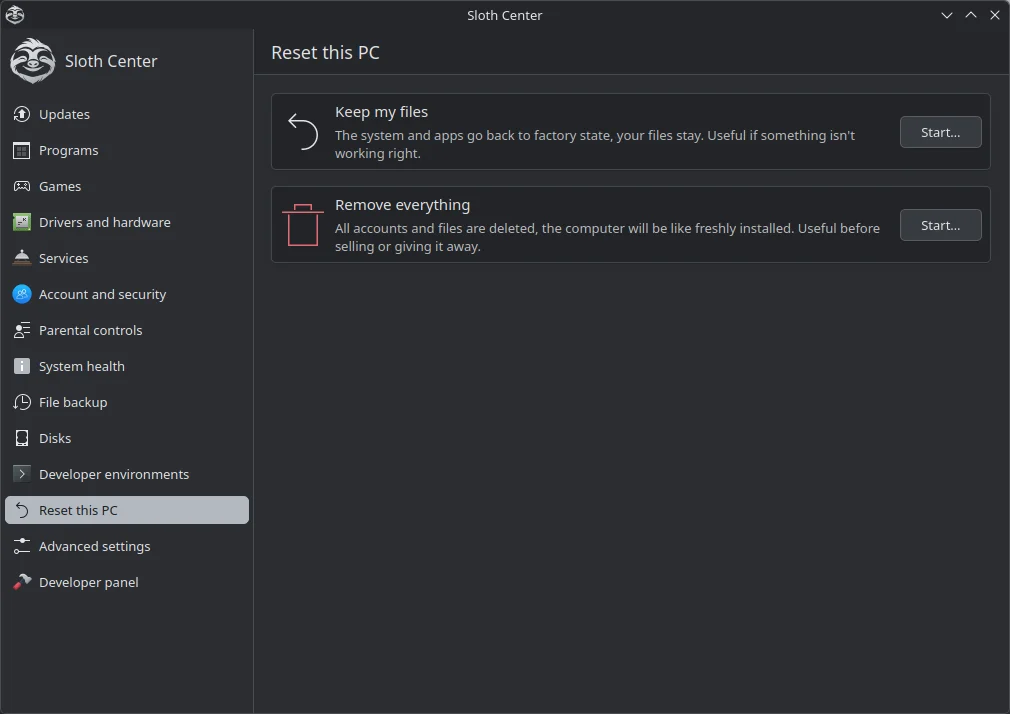
Start over without a USB stick: keep your files and reset only the system settings, or erase everything and create a fresh account. Keep a backup: erasing everything also erases the saved states on the computer.
NVIDIA machines switch to the NVIDIA image on their own. Game controllers, printers, scanners, firmware updates and phone pairing are managed from the desktop.
OneDrive and Google Drive appear as normal folders. Coming from Windows? Sloth OS can copy your Desktop, Documents, Pictures and browser bookmarks from the Windows drive.
Sign in with a PIN or a fingerprint, on the login and lock screen alike. The installer can encrypt the whole disk with a password asked at startup.
Windows program support
The project is building an .exe and .msi handler that tries compatible settings per program using Proton via umu-launcher, with system Wine as a fallback. Launchers such as Battle.net, EA app and Ubisoft Connect have their own recipes. When a program has a better Linux version (Discord, Chrome, Teams, Epic and GOG through Heroic), Sloth OS offers that first. Compatibility is experimental; some apps and games will not work.
How it works and where it falls shortYour choice, always
If enabled, Sloth OS reports a local hash of the app name, the GPU manufacturer, a compatibility setting, the outcome, and a random machine ID. The app name itself is not sent. Sharing can be changed in Sloth Center.
Read the privacy details✓ Opt-in sharing
✓ No files or usage times
✓ Downloads are separate from reports
Sloth OS 1.0
Download one file, write it to a USB stick, and try Sloth OS without changing anything on your computer. Installing on a whole disk is tested on real computers; installing next to Windows and NVIDIA computers still need more real-world reports, and older BIOS-only PCs are not supported yet.
DownloadThe useful details